
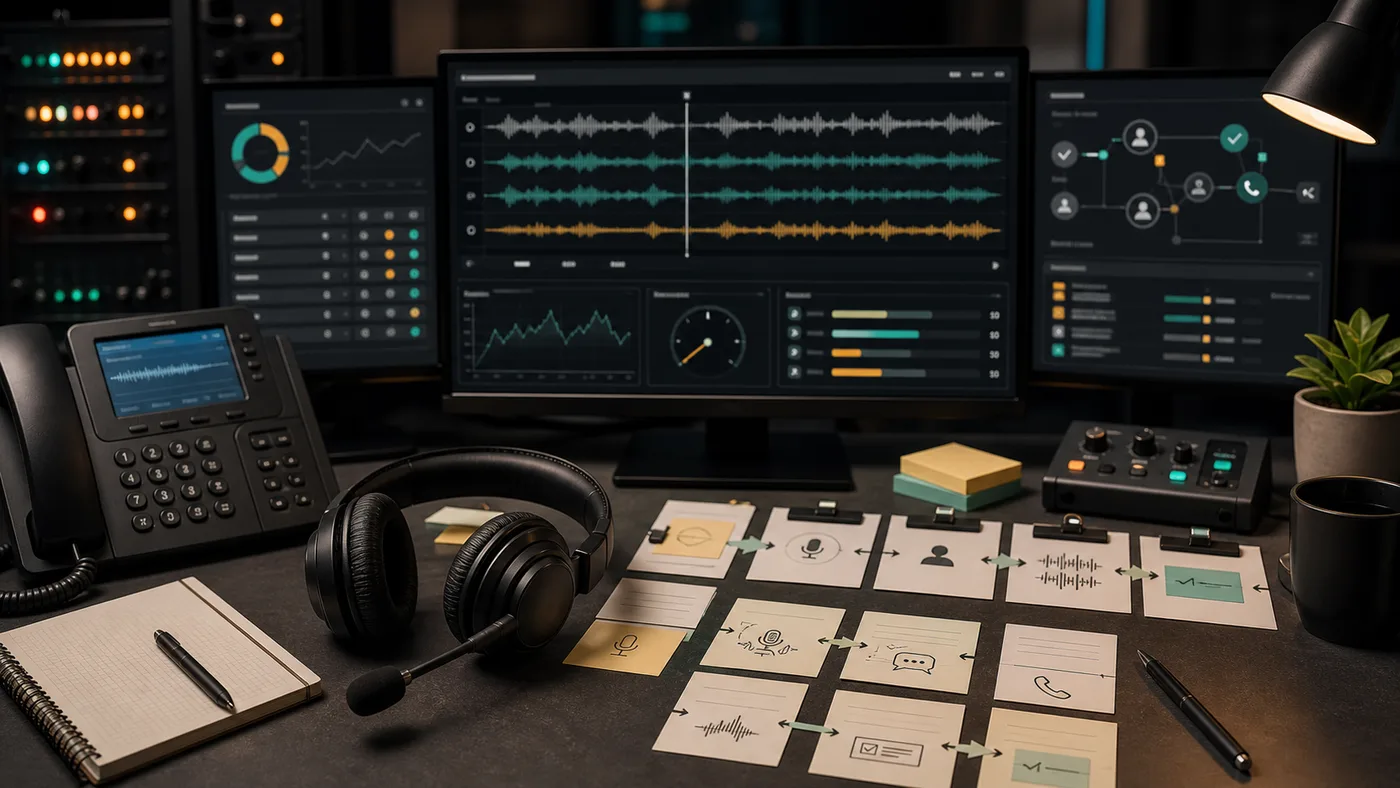
Why Observability Is Different For Voice
Voice AI observability is harder than chatbot analytics because the phone network, audio stream, speech recognition, model, tool layer, and transfer path can all fail separately. A caller only knows the agent was slow, wrong, or awkward. The operator needs to know which layer caused it.
Telnyx-style infrastructure content highlights call control, media streaming, call monitoring, and programmable contact-center operations. Twilio’s voice documentation shows similar emphasis on Voice APIs, media streams, and call analytics. Deepgram’s speech-to-text positioning emphasizes real-time transcription and low latency. Those patterns point to a stronger buyer standard: every production voice agent should be measured across the full call path.
Metrics To Track
| Layer | Metrics | Why it matters |
|---|---|---|
| Phone connection | Answer rate, post-dial delay, call setup failures, carrier errors. | Calls can fail before the AI starts. |
| Audio quality | Jitter, packet loss, dropped media stream, background noise, clipping. | Bad audio creates bad transcripts and bad decisions. |
| Turn-taking | First response, caller stop to agent response, interruption recovery. | This decides whether the agent feels natural or rude. |
| STT | Transcript accuracy, name/address errors, language detection, confidence. | Bad transcription creates bad bookings, leads, and tickets. |
| LLM/orchestration | Intent accuracy, policy violations, repeated questions, hallucinated answers. | The agent must stay inside the approved workflow. |
| Tool calls | Request time, timeout rate, retries, partial success, duplicate records. | Business outcomes depend on connected systems. |
| Transfer | Transfer success, human answer time, context packet completeness. | Handoff is the safety system. |
| Post-call output | Summary accuracy, structured fields, failure reason, webhook delivery. | Staff need a reliable review loop. |
| Cost | Cost by call, cost by completed workflow, overage, model/voice/carrier split. | Voice costs can drift quickly at volume. |
Minimum Dashboard
A useful dashboard should show:
- Total calls
- Completed workflows
- Transfers
- Failed calls
- Average and worst-case latency
- Tool failures
- Top intents
- Longest calls
- Summary corrections
- Cost per completed workflow
- Calls requiring replay
- Compliance-sensitive calls
Do not stop at automation rate. A high automation rate can be bad if urgent callers are trapped, summaries are wrong, or humans receive no context.
Debugging The Worst Call
The observability test is simple: can the team explain the worst call from yesterday?
The review should answer:
- Did the phone route connect cleanly?
- Was the audio good enough?
- Did STT hear the caller correctly?
- Did the agent choose the right intent?
- Did the tool call return on time?
- Did the agent speak truthfully during the wait?
- Did transfer happen when it should?
- Did the human receive useful context?
- Was the final summary actionable?
- What change prevents the same failure?
If the team cannot answer those questions, the agent is not observable enough.
Evidence Artifacts
Every evaluated vendor should be able to show:
- Call event timeline
- Recording or recording policy
- Transcript
- Turn-level timestamps
- Tool-call request and response
- Transfer event and destination
- Summary and structured fields
- Failure reason
- Cost trace
- Export path
For regulated workflows, also request retention settings, access controls, deletion process, and audit exports.
Voice Quality Signals
Voice quality is not only MOS score or audio clarity. For AI agents, monitor:
- Background noise impact
- Accent and language handling
- Spelled names and addresses
- Caller barge-in
- Agent talking over the caller
- Long silence during tool calls
- Repeated confirmation loops
- Misheard numbers
- Low-confidence handoff behavior
The best voice agents recover gracefully when audio is imperfect. The worst ones sound confident while writing bad data.
Operations Review Rhythm
For the first week, review daily:
- All failed workflows
- All urgent transfers
- All long calls
- All tool failures
- Random sample of successful calls
For the first month, review weekly:
- Top failed intents
- Summary correction rate
- Transfer reasons
- Staff trust score
- Cost per completed workflow
- Prompt/tool/routing changes made
Observability is useful only if it changes operations. A dashboard nobody reviews is decorative.
Buyer Questions
- Can we export raw call events?
- Can we see media-stream interruptions?
- Can we tie tool calls to exact call turns?
- Can staff mark a summary as wrong?
- Can failed calls be grouped by root cause?
- Can costs be broken down by call type?
- Can compliance-sensitive calls be filtered?
- Can we replay the decision path without listening to every recording?
Red Flags
- Only aggregate call counts are available.
- The vendor cannot show failed calls.
- Transcripts are available but not tool-call logs.
- Transfers are counted but context is not auditable.
- Costs are not tied to individual calls.
- Staff cannot correct summaries.
- There is no export path for QA.
Launch Standard
Before launch, define the minimum evidence every live call must produce. At minimum: transcript, summary, outcome, transfer status, tool result, and cost. For infrastructure-heavy builds, add call-control events, media-stream status, and latency timing.
The operator should know what happened without guessing.